
Introducing multiplayer cricket VR: bring your mates to the nets
RealBat Cricket VR brings two players into side-by-side nets on Meta Quest, with voice chat, friend invites, Quick match and a competitive Chase. Watch your mate’s shots, talk between deliveries and chase the same target with 12 balls and three wickets each. Open Multiplayer in the headset game to get started.
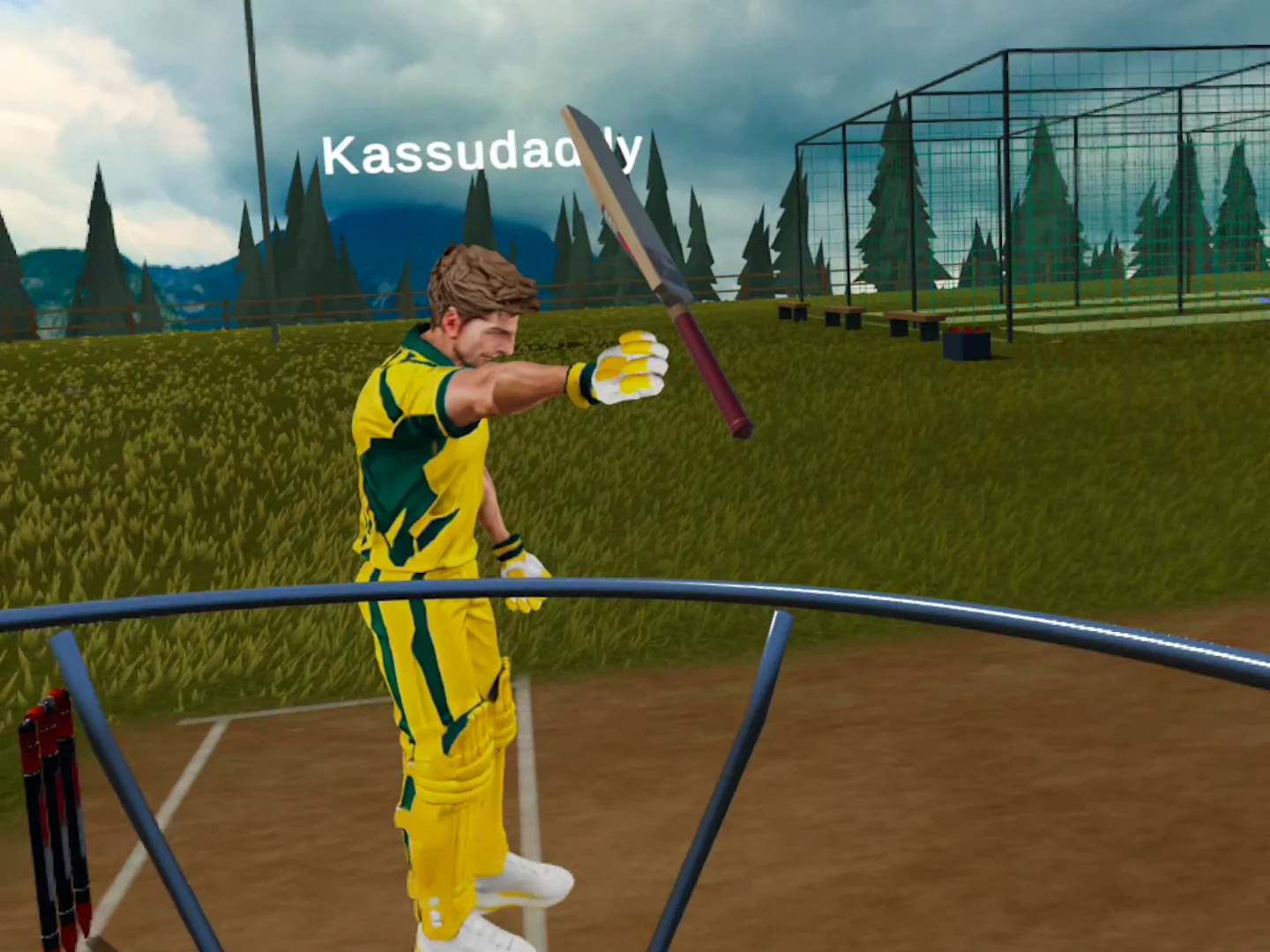
There is a difference between hitting a six and hitting a six with your mate standing beside you. You turn to see if they watched it. They tell you it was a lucky shot. Suddenly the next ball matters a little more.
That is what we wanted from multiplayer in RealBat: the feeling of sharing a net session, with just enough competition to make you ask for one more round. Your friend can be in another room or another town. In the game, they are right there in the next lane.
More than a name on a scoreboard
You see the other player’s body and bat move as they play. Look across to watch their backlift, follow the ball after contact, or catch their reaction when a shot goes wrong. Their ball trail makes it easier to follow where they have sent it.
Built-in voice chat gives those moments a reply. Say hello when someone joins, call out a good shot, or give your friend a little grief for missing yours. You can also bring your bats together before you start. It is a small interaction, but it makes the player beside you feel present.
You can simply bat together in the nets. When you want a contest, challenge your partner to Chase.
How Multiplayer Chase works
Chase puts both batters up against the same run target. You have 12 balls and three wickets each, facing the same deliveries in the same order. The bowling machines alternate between you, giving you time to watch your partner’s shot before your next ball arrives.
The toss decides who bats first. The coach introduces it, the coin goes up, and the countdown gets you ready. Then it is about picking your shots: take the runs on offer or try to clear the boundary while the other player watches.
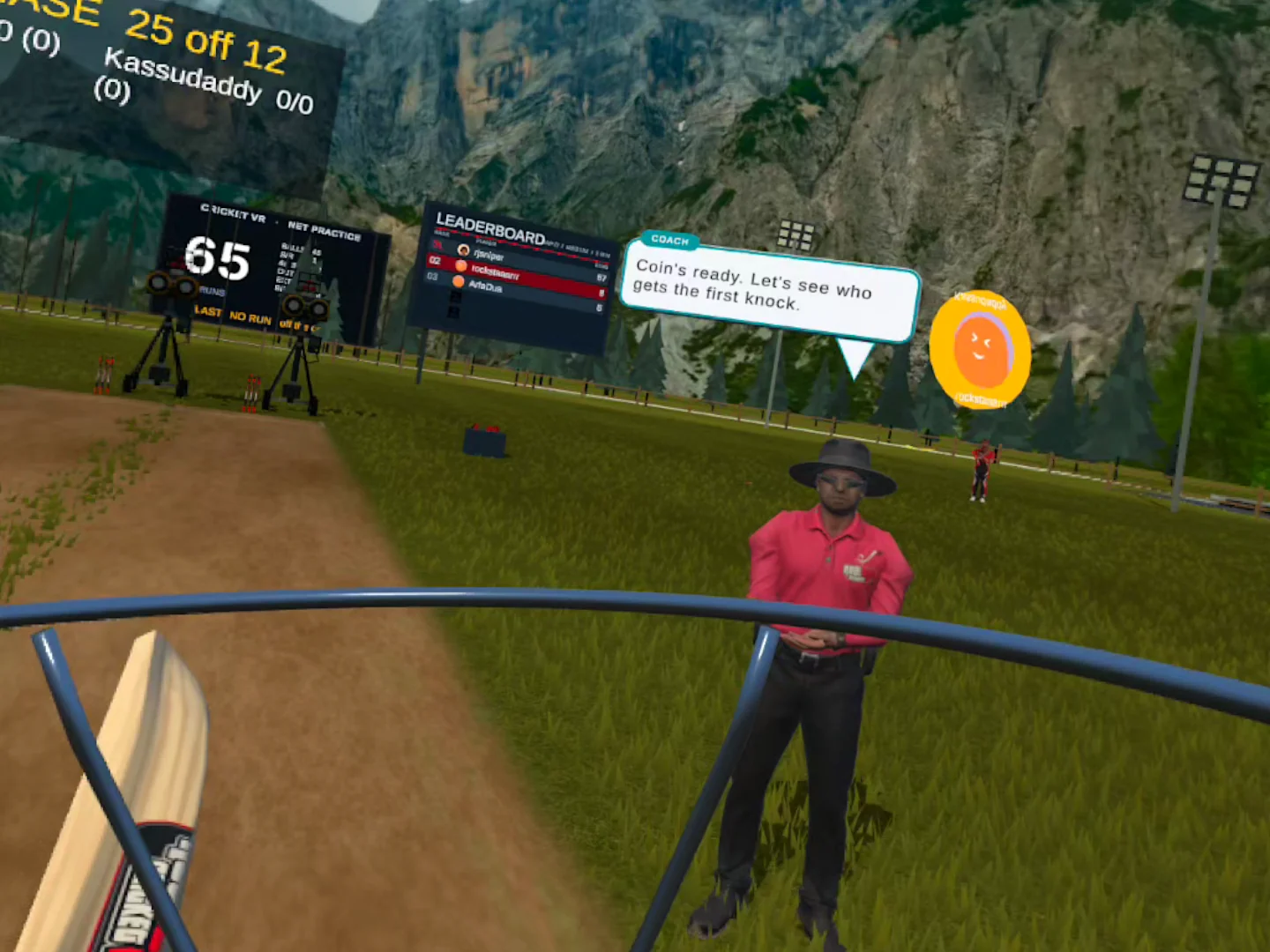
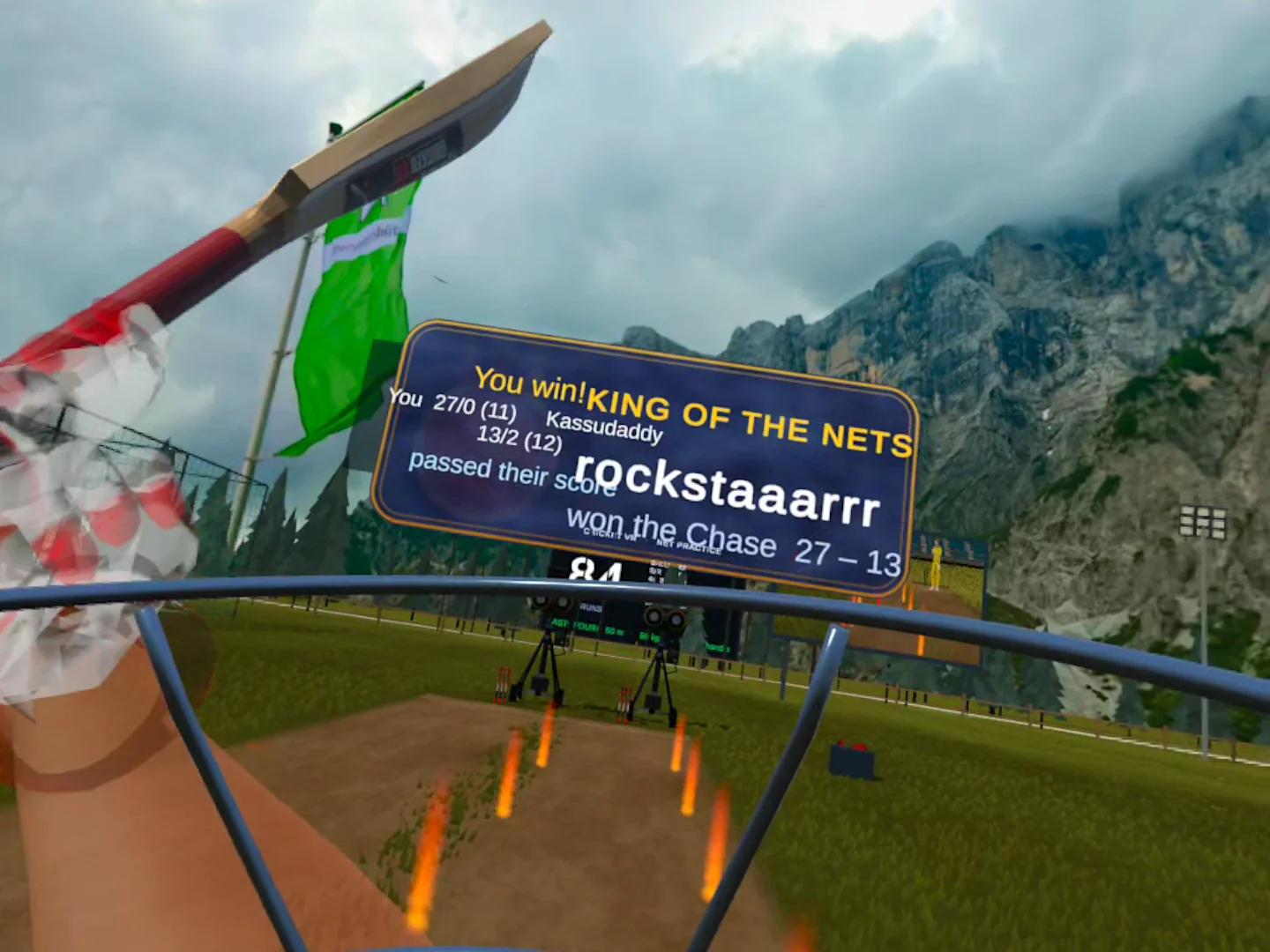
The shared Chase board keeps both scores in view. Reaching the target is one way to win; if a player finishes short, the other can win by passing their score. When someone reaches the target, the opponent still gets the corresponding ball so both have the same opportunity. If neither reaches it, the final scores decide the result.
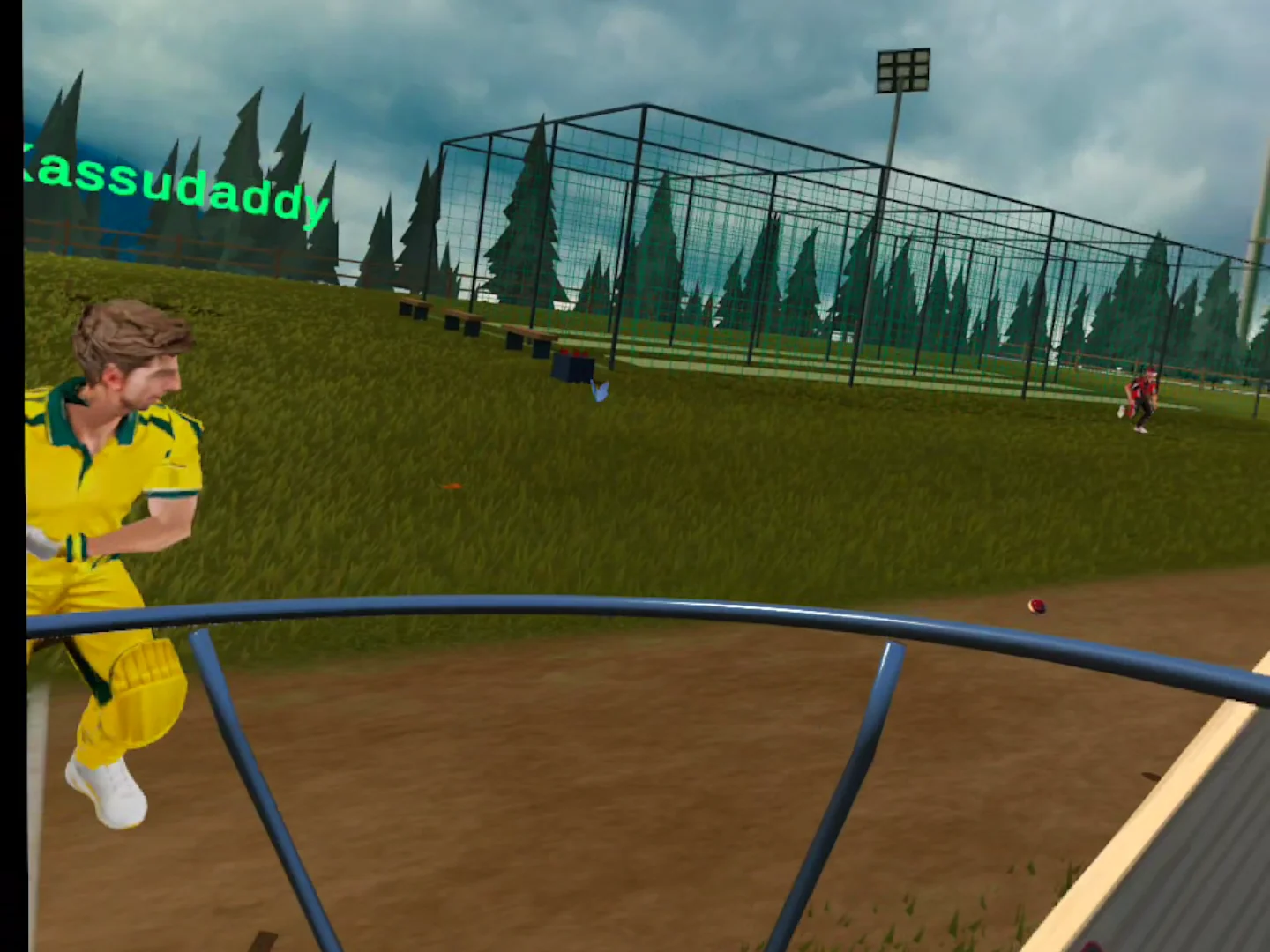
At the end, the winner gets the King of the Nets card. You can admire it for a moment, or immediately ask for a rematch. We know which usually happens.
How to play VR cricket with friends
Each player needs RealBat Cricket VR installed on a supported Meta Quest headset and an internet connection. Start in the nets, then follow these steps.
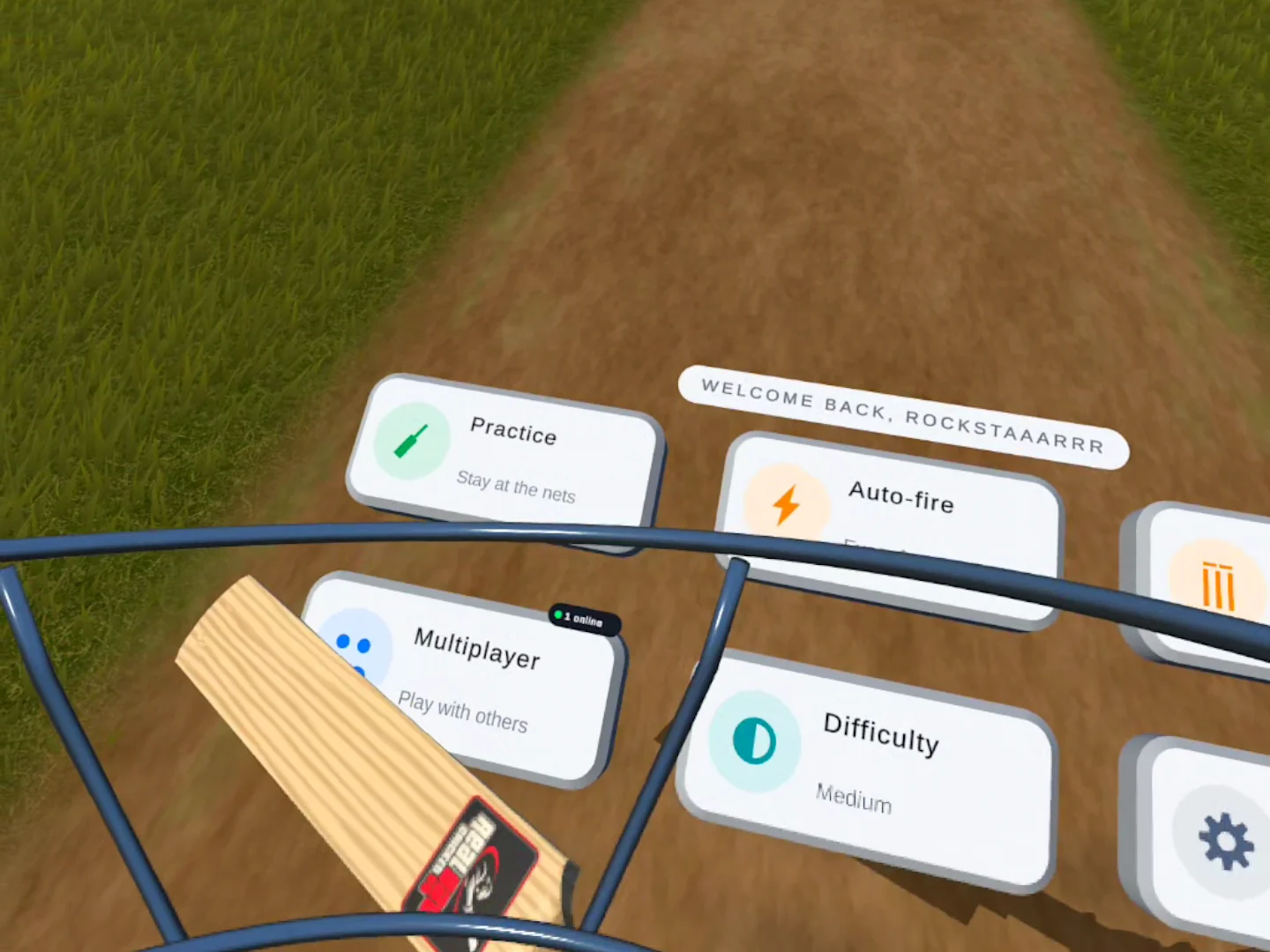
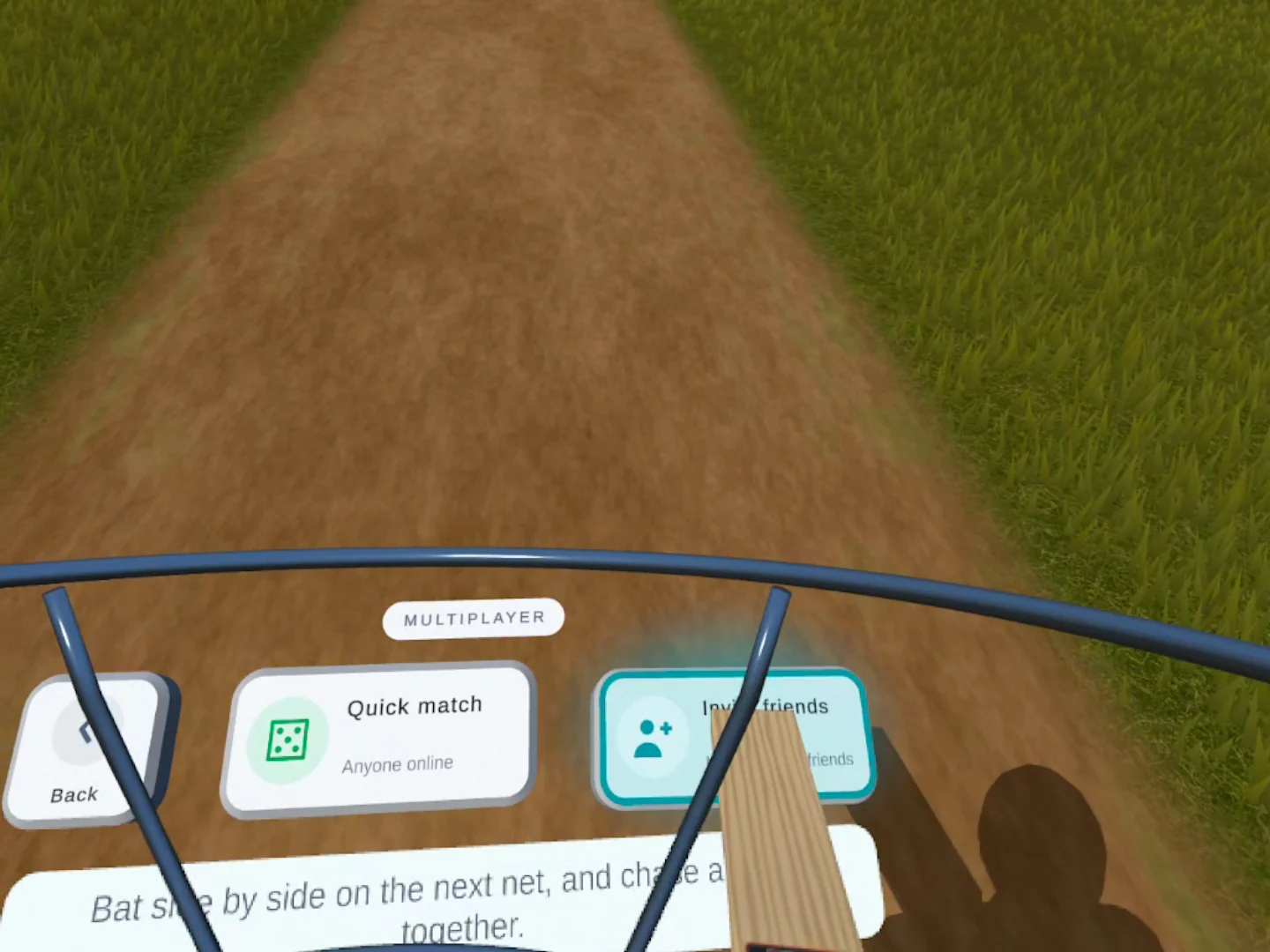
- Open MultiplayerFind the Multiplayer button in the main menu or on the nets menu. It opens the options for finding another player.
- Choose Quick match or Invite friendsUse Quick match to look for another online player, or Invite friends to bring someone you know into your session.
- Say hello in the shared netsWhen your partner joins, they appear in the neighbouring lane. Check your mic setting if you want to talk, then get a few shots in together.
- Send a Chase challengeOpen the multiplayer menu and choose Chase. Your partner accepts the invitation, then the toss and countdown lead into the game.
Quick match: meet someone new
You do not have to organise a session in advance. Choose Quick match and keep practising while the game looks for another player. When a match is found, your partner joins the lane beside you. There is no separate waiting room to sit in.
Pairing depends on another player being online and looking for a match. If you would rather play with someone specific, send them an invite instead.
Invite friends: bring your usual cricket group
Choose Invite friends to open the invite flow and bring a friend into your nets. The Meta friends panel lets you send an invitation to someone you already know. Once they join, you can warm up together before starting a Chase.
Same nets, a different kind of pressure
Solo VR batting practice gives you room to work on a shot. Multiplayer adds someone who has just watched you try it. You hear the congratulations, see the next shot leave their bat and know exactly how many runs you need to stay ahead.
You can play with a controller in your hands or use your usual real cricket bat setup. If you are setting that up for the first time, our controller attachment guide and bat calibration guide walk through the steps.
Available in the Meta Quest game
RealBat Cricket VR supports Meta Quest 2, Quest 3 and Quest 3S. Multiplayer runs in the installed headset game; it is not included in the free browser demo. Each person plays on their own headset.
If you have not tried RealBat yet, the free browser demo is a way to try solo batting first. For shared nets, voice chat and Chase, use the full Meta Quest game.
Your mate. Your next rival.
Bring a friend, chase the score and see who earns King of the Nets.
Multiplayer cricket VR: questions
Can I play cricket with a friend in VR?
Yes. In RealBat Cricket VR on Meta Quest, open Multiplayer and Invite friends. You share the nets, hear each other through voice chat and can challenge each other to Chase.
How does Multiplayer Chase work?
Both players chase the same target with 12 balls and three wickets each. You face the same deliveries in the same order, taking turns so you can watch the other player bat.
Can I play with someone I do not know?
Yes. Choose Quick match to look for another online player. You can keep batting while the game searches; a match depends on another player being available.
Does the free browser demo include multiplayer?
No. Multiplayer is part of the installed Meta Quest game. The free browser demo lets you try solo batting.
Which headsets can play RealBat multiplayer?
RealBat Cricket VR supports Meta Quest 2, Quest 3 and Quest 3S. Each player needs their own supported headset, the game and an internet connection.