
How to use a real cricket bat in VR
Strap a Meta Quest Touch controller firmly to the back of your bat, just below the handle, then tell the game where it sits so the virtual blade lines up with the real one. In RealBat Cricket VR you choose Bat attachment, line the bat up with the outline shown in passthrough and press A or X to lock it. For the steadiest tracking, put a second controller on the other face of the bat.
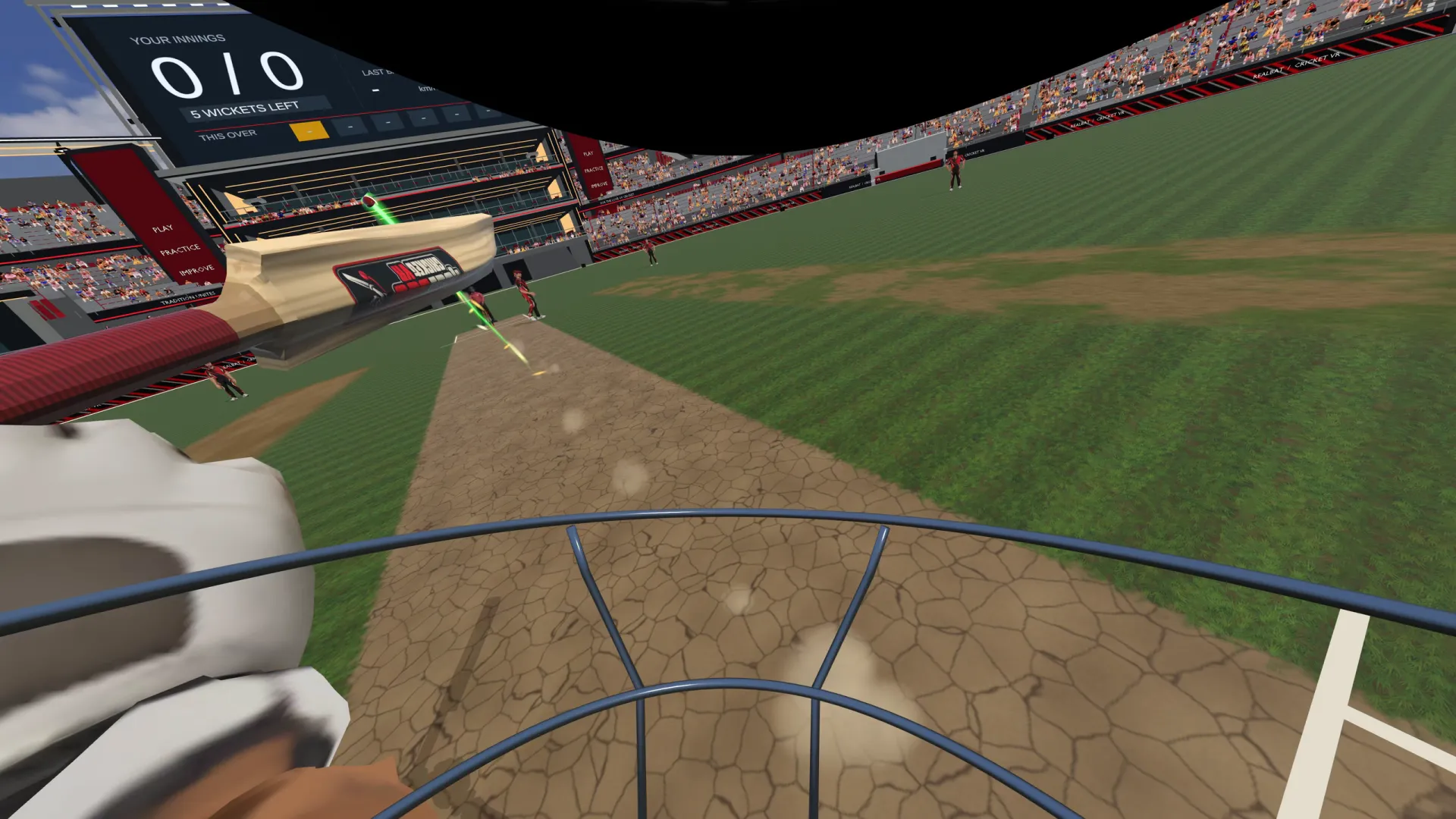
Why bat with a real bat?
A Touch controller weighs very little, so swinging it on its own is quick but doesn't feel like batting. A real bat brings back the weight, the balance and the grip. Your hands go where they would in the nets, your shape through the shot is more natural, and you feel the follow-through.
You don't need one to play: every VR cricket game works with the controller in your hand. But once you've batted with a real bat in VR, the controller alone feels like a toy.
What you need
- A bat. Any cricket bat will do. A lighter one is easier to control indoors and puts less strain on the mount.
- A way to fix the controller to it. A purpose-made controller mount for a cricket bat, or strong hook-and-loop straps. It must not slip or rotate when you swing hard.
- One or two Touch controllers. One works. Two, one on each face of the bat, track better (see below).
- Room. A real bat reaches further than a controller. Clear more space than usual, and check the ceiling.
Safety first. A real bat swung in a room can break things and hurt people. Clear the play area, set your Quest boundary with the bat's reach in mind, keep people and pets well away, and check the mount is tight before every session.
Where to put the controller
Put it on the back of the bat (the side with the spine), just below the handle, where the blade starts. That position:
- keeps the weight close to your hands, so the bat still swings like a bat;
- keeps the controller's tracking ring clear of your hands;
- stays out of the way of the face, where you'd hit a real ball.
Make sure nothing covers the controller's ring or its sensors. The headset tracks the controller by seeing it, so a strap across the ring makes tracking worse.
Setting it up in RealBat Cricket VR
- Choose Bat attachmentWhen the game asks about your bat, choose Bat attachment instead of Just the controller. You can change it later in Settings.
- Hold the bat up to the outlineThe game switches to passthrough, so you can see your real bat, and shows a bat outline. Line your bat up with it.
- Lock itTap and release A or X to lock the bat to the outline. Every tap locks it again, so you can fine-tune until the virtual blade sits exactly on the real one.
- Take guard and checkLook down: the bat in the game should match the one in your hands, edge to edge. If it doesn't, go back to calibration and lock it again.
The game remembers your bat in a profile, so you lock it once, not every session. Save profiles for different bats, or for different people in the house. Left-handed? Set your batting hand in Settings.
Two controllers on one bat
A single controller has one weakness in cricket: when a drive or a pull turns the bat so the controller faces away from the headset's cameras, the headset can briefly lose track of where it is. It still knows which way the controller is pointing, but its position can drift for a moment, and the bat seems to float.
The fix is a second controller on the other face of the bat. The two are fixed to each other, so whichever one the cameras can see says where the other is. RealBat Cricket VR blends the two into one steady swing:
- Mount both controllersOne on each face of the bat, both firm.
- Choose Two controllers in calibrationThen lock the bat to the outline as before.
- Turn the bat slowlyThe game learns how the two controllers sit relative to each other and shows its progress as it locks. Once it has them, it keeps them.
If you want the other controller to be the bat controller, pull its trigger to swap.
Common problems
- The bat in the game is offset from the real one. Recalibrate and lock again, with the bat held still against the outline.
- The bat jumps or floats on big shots. The controller is turning away from the cameras. Add a second controller on the other face, or check nothing is covering the ring.
- It was right yesterday and wrong today. The mount has slipped. Tighten it and lock again.
- The room boundary keeps appearing. The bat reaches further than your hands. Make the boundary bigger, or stand in its centre.
Try the feel first
The free browser demo uses the controller as your bat handle, so you can feel the physics before you buy. Bat attachment and two-controller tracking are in the full game.
In your Quest: open the Browser and go to rbcvr.com.
Does a real bat make you better?
It makes VR batting closer to real batting, which matters if you're using VR to work on your game. We look at what VR practice can and can't do in is VR cricket good for batting practice?. For the bigger picture, see our complete guide to VR cricket, or compare games in the best VR cricket games.
Questions
Can I use any cricket bat in VR?
Yes. The game matches the virtual bat to wherever the controller sits, so any bat works as long as the controller is held firmly. A lighter bat is easier indoors.
Where do I attach the controller to the bat?
On the back of the bat, just below the handle, with nothing covering the controller's tracking ring.
Do I need a special VR cricket bat?
No. Purpose-made bats and mounts are sold for some games, but RealBat Cricket VR works with a controller strapped to any bat.
Why use two controllers on one bat?
So one of them is always in view of the headset's cameras. The game blends them, and the bat stays steady through big shots.