VR cricket: the complete guide
VR cricket is cricket played in a virtual reality headset: you stand at the crease, a bowler runs in, and you swing a tracked controller (or a real bat with a controller strapped to it) at a ball whose flight and bounce are simulated. Most VR cricket games are batting games for Meta Quest 2, Quest 3 and Quest 3S.
You need a headset and room to swing. You can try it free, with nothing to install, in the Quest browser.
What VR cricket is
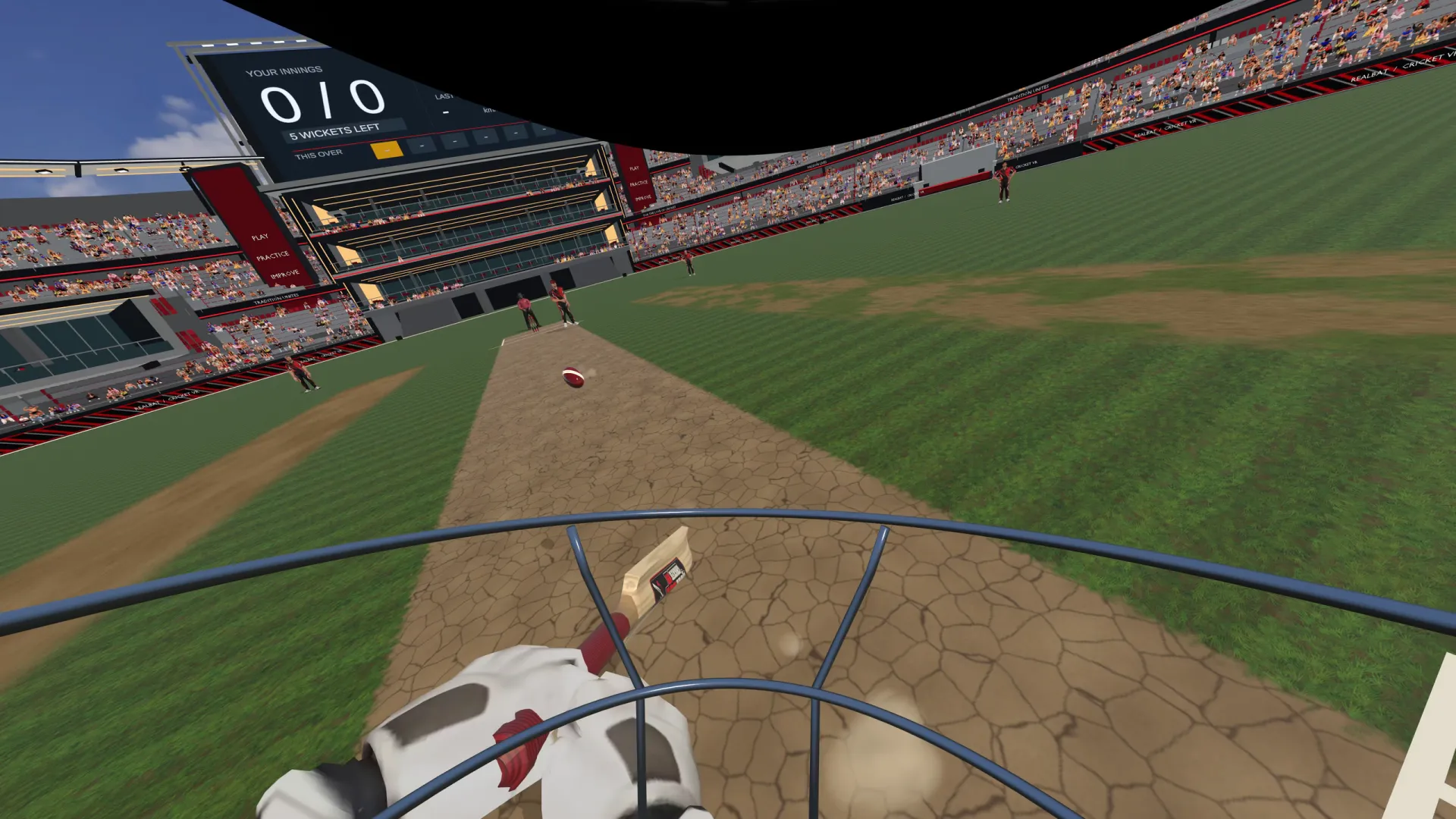
A flat-screen cricket game asks you to press a button at the right moment. VR cricket asks you to bat. The headset puts you at the crease at full scale: the pitch is 22 yards long, the bowler is the height of a person, and the ball comes at you at the speed it would in the nets. You pick up the line and length from the bowler's hand, move your feet, and swing.
The swing is yours. The headset's cameras track the controller in your hand many times a second, and the game turns that movement into a bat in the virtual world. Where the bat meets the ball, and how fast it is moving, decides where the ball goes. No timing meter, no shot buttons.
Almost every VR cricket game is about batting, because batting maps onto VR so naturally: you stand in one place and react to a ball coming towards you. Some games add bowling, fielding, captaincy or multiplayer on top; we look at those in the best VR cricket games.
How VR cricket works
Three things decide whether a VR cricket game feels like cricket or like a toy: how the bat is tracked, how the ball flies, and what happens when the two meet.
Tracking your bat
A Meta Quest tracks each Touch controller with cameras on the headset and motion sensors inside the controller. The game knows where your hands are and which way they are pointing, and it draws a bat extending from them. The better games let you match the virtual bat to a real one, so the blade you see is exactly where the blade in your hands is.
Tracking has one weakness that matters for cricket: a controller turned away from the headset's cameras can lose its position for a moment. A big drive or a pull shot can do that. One fix is to put a second controller on the other face of the bat, so one of them is always in view. RealBat Cricket VR blends the two into one steady swing.
The ball's flight
In a simple game the ball travels on a pre-drawn path. In a physics-based game it is a moving object with speed, spin and a seam, pushed around by the air. That is what makes swing, seam, drift and turn behave the way a batter expects: an outswinger moves late, a leg-spinner dips and then turns off the pitch.
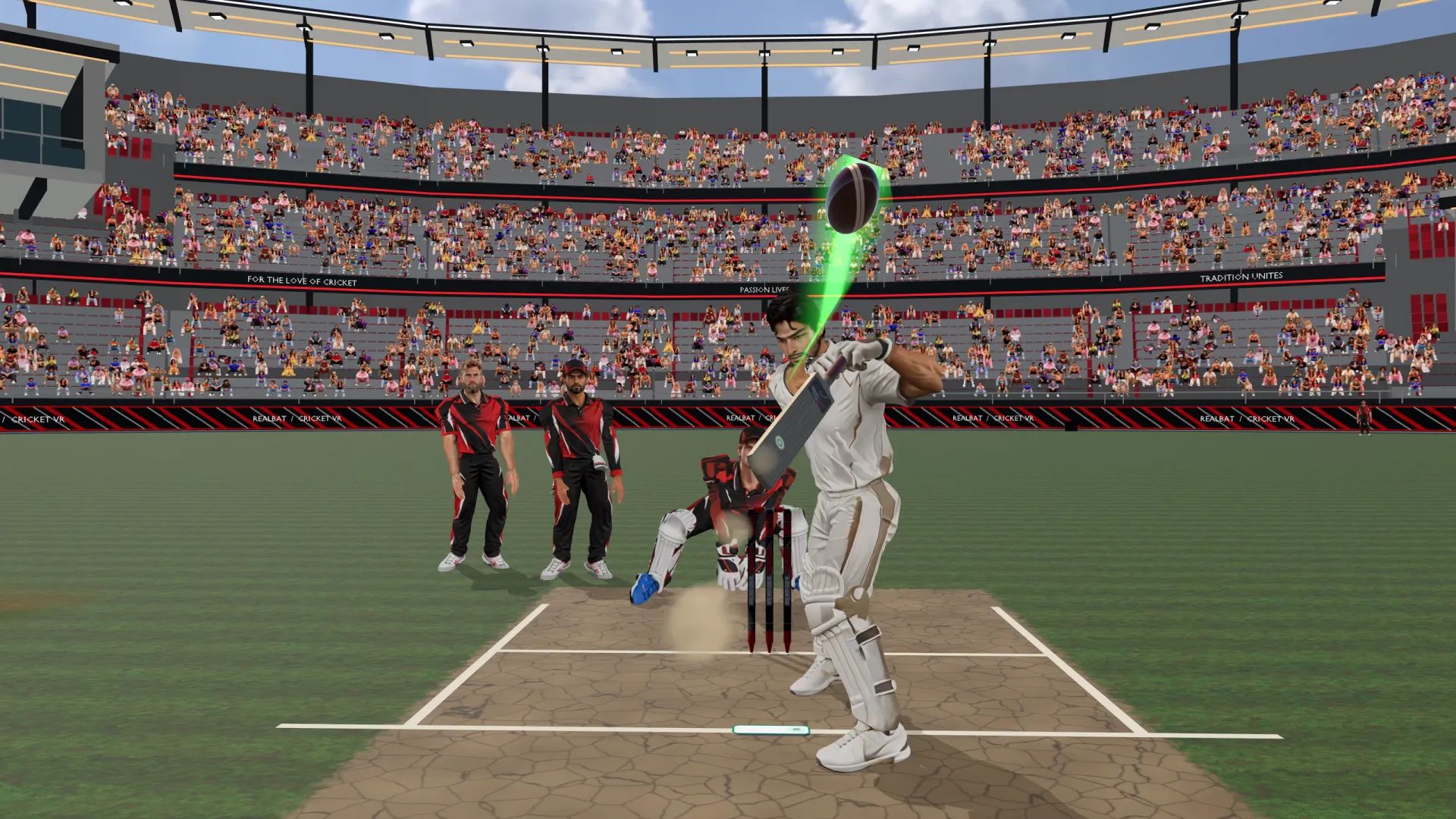
RealBat Cricket VR works out the ball's flight 240 times a second, with drag, swing and Magnus-effect spin, and the bounce depends on the pitch. You read each delivery from the hand, the seam and the flight, the same way you would in the nets.
Bat meets ball
The contact is the hardest part to get right and the part players notice most. A well-built game gives the bat a real sweet spot, worked out from the bat's weight and shape rather than painted on. Middle it and the ball flies; catch it on the toe or the shoulder and it dies or squirts away to third man. Good games also give each kind of contact its own sound and controller buzz, so you feel an edge before you see where it went.
What you need
- A standalone VR headset. A Meta Quest 2, Quest 3 or Quest 3S. No PC is needed: the games run on the headset itself.
- Space to swing. Enough room to swing a bat freely in every direction, with the headset's boundary set around it. Two metres by two metres is a comfortable minimum, and check the ceiling before you play a pull shot.
- A bat (optional). You can bat with just the controller in your hand. Strapping the controller to a real bat adds weight and feel. See how to use a real cricket bat in VR.
- A game. Buy one from the Meta Horizon Store, or start with a free browser demo.
Which headsets play VR cricket?
Nearly all current VR cricket games target Meta's Quest headsets, because they are standalone, cheap and track controllers well.
| Headset | VR cricket? | Notes |
|---|---|---|
| Meta Quest 3 | Yes | The sharpest picture and the best controller tracking (Touch Plus). The best choice for cricket. |
| Meta Quest 3S | Yes | The same controllers and processor as Quest 3, with simpler lenses. The cheapest way in. |
| Meta Quest 2 | Yes | Older but very capable. Most cricket games still support it; check each store page. |
| PC VR (Steam) | Some | A few older titles run on SteamVR headsets. Fewer updates and players. |
| Phone VR (Cardboard-style) | Limited | No hand tracking worth batting with. Fine for watching, not for batting. |
Kinds of VR cricket game
VR cricket games fall into a few groups. Knowing which one you want saves money.
- Batting simulators. The bulk of the genre: you face deliveries and score runs. They differ in how real the physics are, how much of a match is modelled (fielders, wickets, LBW) and how many modes there are.
- Nets and practice tools. A bowling machine or a chosen bowler, unlimited balls and replays. Good for working on one shot.
- Arcade and score-attack. Short timed rounds, leaderboards and fantasy settings. Quick to play, easy to come back to.
- Captaincy and management. Setting fields and making decisions as well as batting.
- Multiplayer. A few games let you bowl to a friend or play against others online.
RealBat Cricket VR is a physics-first batting game with three ways to play: a 10-over Match against a full side at RealBat Stadium or the Colosseum, Auto-fire score-attack rounds of two or three minutes with a wagon wheel and sweet-spot map at the end, and unlimited Nets where you choose the bowler.
How to choose a VR cricket game
Store screenshots all look alike. These are the questions that tell games apart once you are at the crease:
- Is the ball's flight simulated? Look for swing, seam and spin that move the ball through the air and off the pitch, not a fixed path.
- Does the bat behave like a bat? A real sweet spot, edges that go somewhere sensible, a difference between the middle and the toe.
- Can it match your own bat? If you plan to use a real bat, the game needs a way to line the virtual bat up with it, and ideally to save it.
- How is a match modelled? Fielders who chase and catch, an umpire, LBW, stumpings, a field that changes with the bowler.
- Can you try it first? A demo, especially one with nothing to install, tells you more than any review.
We compare the current games against these points in the best VR cricket games for Meta Quest. If you already own iB Cricket and want something different, see how RealBat compares with iB Cricket.
Face a ball before you read on
RealBat Cricket VR's demo is the real game running in your Quest browser: the nets, a bowling machine, a keeper and a fielder. No install, no sign-up.
In your Quest: open the Browser and go to rbcvr.com.
Batting with a real bat
The controller on its own is light, so swinging it is quick and easy. A real bat brings back the weight and the feel of a cricket shot, and many players find their footwork and shape improve with something real in their hands.
The usual way is to strap a controller to the back of the bat, below the handle, then tell the game where it is so the virtual blade lines up with the real one. A lighter bat is easier to control indoors and kinder to the mount. Our step-by-step guide covers mounts, straps, calibration and two-controller setups: how to use a real cricket bat in VR.
Does VR cricket help your real batting?
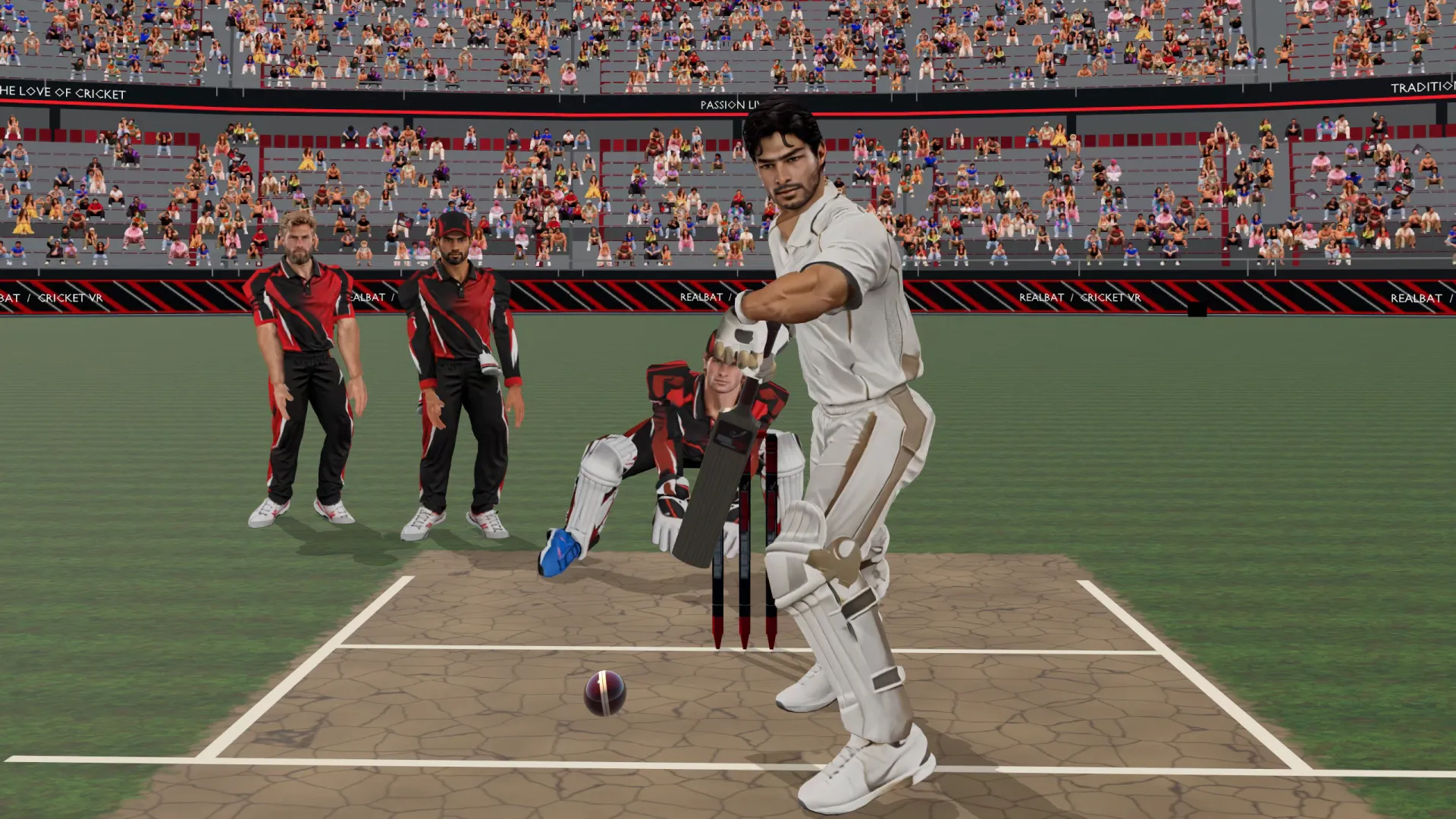
It can help with the parts of batting that are about seeing and deciding: picking up length, moving your feet, shot selection and staying calm under pressure. A peer-reviewed study of a VR batting simulator found that skilled batters scored faster and placed their feet correctly more often than less skilled ones, which suggests VR captures some of what makes a good batter. It cannot replace real balls for the feel of pace off the pitch or the physical work of batting.
We go through the research, what it does and doesn't show, and how to use VR alongside the nets in is VR cricket good for batting practice?
Safety and space
Clear the space before every session. A full swing reaches further than you think, and a bat hitting a wall, a lamp or a person is the most common VR cricket accident.
- Set your Quest boundary around a clear area and stand in the middle of it.
- Check the ceiling height and any light fittings above you before a pull or a hook.
- Keep pets and people out of the play area.
- Use the controller's wrist strap, and make sure any bat mount is tight before you swing hard.
- Take a break if you feel tired or dizzy. Batting in VR is more exercise than it looks.
RealBat Cricket VR is for players aged 13 and over.
How to start playing VR cricket in two minutes
- Put on your QuestMake sure the boundary is set around a clear space.
- Open the BrowserIt's in the app library of every Quest.
- Go to rbcvr.comIt opens RealBat Cricket VR's page. Press Play free now, then Enter VR.
- Take guardThe game finds your stance and your height, then the bowler runs in.
When you want matches, all the grounds and the leaderboards, the full game is RealBat Cricket VR on the Meta Horizon Store.
Questions
Is there a VR cricket game?
Yes, several. Most are batting games for Meta Quest 2, Quest 3 and Quest 3S, sold on the Meta Horizon Store. RealBat Cricket VR also has a free demo that runs in the Quest browser.
What is the best VR cricket game?
It depends on what you want: realistic physics, a full match, multiplayer or quick arcade rounds. We compare the current games in our guide to the best VR cricket games.
Can I play VR cricket for free?
Yes. RealBat Cricket VR's demo runs free in the Meta Quest browser with nothing to install and no sign-up. Open the Browser in your Quest and go to rbcvr.com.
Do I need a real cricket bat?
No. You can bat with just a Touch controller in your hand. A real bat with the controller strapped to it adds weight and feel.
Does VR cricket work on Quest 2?
Most VR cricket games, including RealBat Cricket VR, run on Quest 2 as well as Quest 3 and Quest 3S.
How much space do I need for VR cricket?
Enough to swing a bat freely in every direction, about two metres by two metres at least, with the boundary set and nothing above your head.